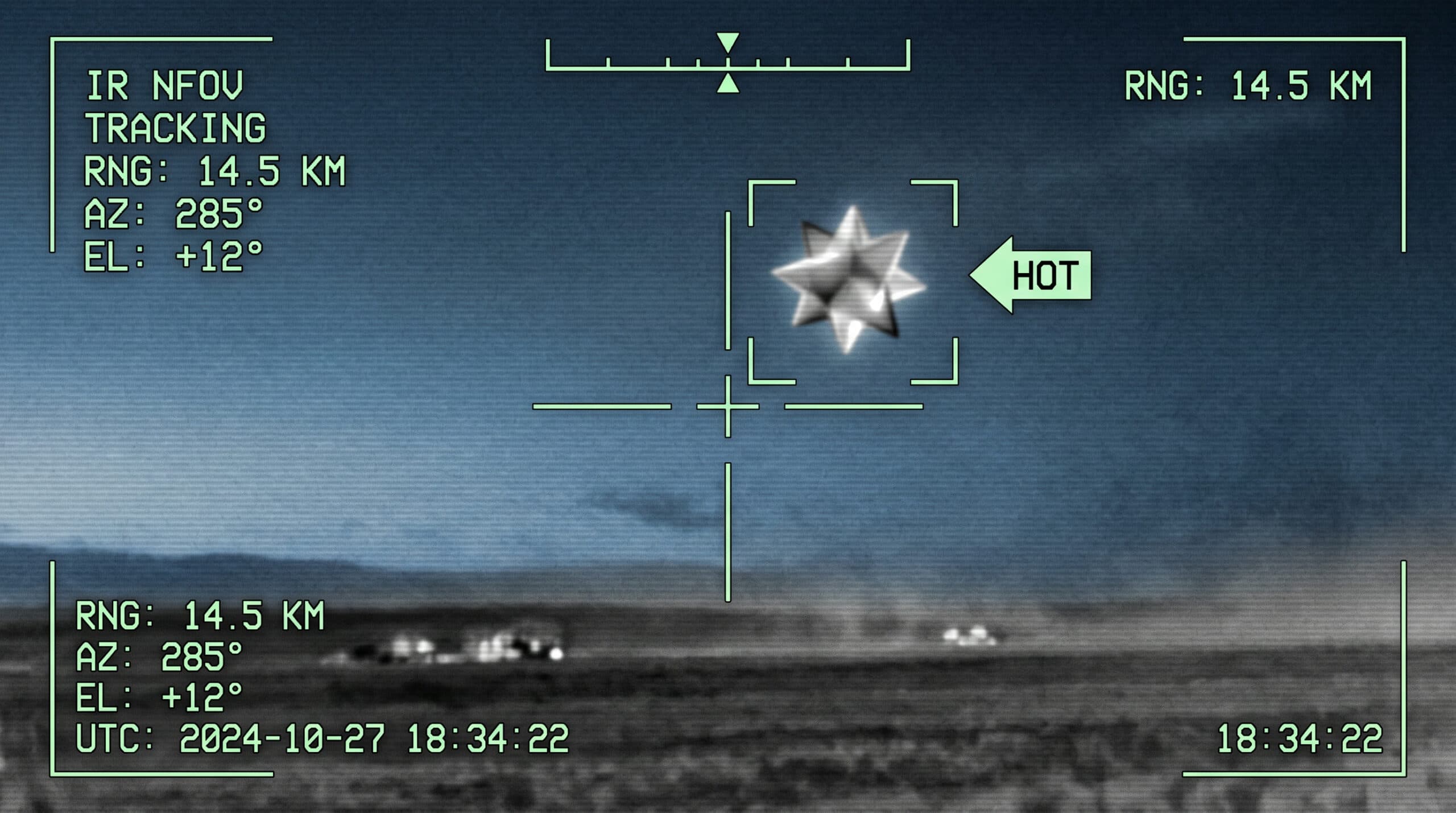


Have you ever wondered about the mysterious world of remote viewing? In this article, we’ll explore the basics of this fascinating skill, allowing you to try it yourself against a mystery photograph. With just a little guidance, you can begin to tap into your intuitive abilities and discover what lies beyond your immediate perception.
Key Takeaways
- Anyone Can Learn Remote Viewing: With practice and dedication, anyone can develop this skill.
- Understanding Remote Viewing: It’s more about remote perception than just viewing.
- Structured vs. Freeform Methods: There are different techniques to approach remote viewing.
- The Importance of Spontaneity: Trust your instincts and record impressions as they come.
What Is Remote Viewing?
Remote viewing is often misunderstood. It’s not just about seeing distant places; it’s about perceiving information that is typically unavailable to you. This can include anything from locating lost items to predicting future events. The key is that anyone can learn this skill, although some may have a natural inclination towards it.
The Basics of Remote Viewing
Before diving into the methodology, let’s clarify a few points:
Advertisement
- Anyone Can Do It: While some may have a natural talent, hard work is crucial.
- Misleading Terminology: Remote viewing is more accurately described as remote perception.
- Different Methods: There are various techniques, but they generally fall into two categories:
- Structured Remote Viewing: Involves pen and paper, requiring focused attention.
- Freeform Remote Viewing: Often involves an altered state of consciousness.
Steps To Remote View
Let’s break down the structured remote viewing process into three main steps:
Step 1: Connect
To begin, you need to connect with your chosen target. This involves:
- Choosing a Target: This could be anything predetermined, like a photograph.
- Using a Reference Number: This number helps you focus on the target while remaining unaware of its nature. Think of it as a web address pointing to your target.
Step 2: Record Your Impressions
Once connected, it’s time to record your impressions. Here’s how: